Two Steps

Every walk is new ground.

Two Steps plans a walking loop from your own door. You choose how many steps you want; it remembers every street you have covered and draws the next route somewhere new.


Download on the App StoreGet it on Google Play

Free on iPhone and Android. No account needed.

How far today?

Pick your steps and the loop redraws itself.

8,000

steps · ~6.0 km · about 75 min
Inside the app

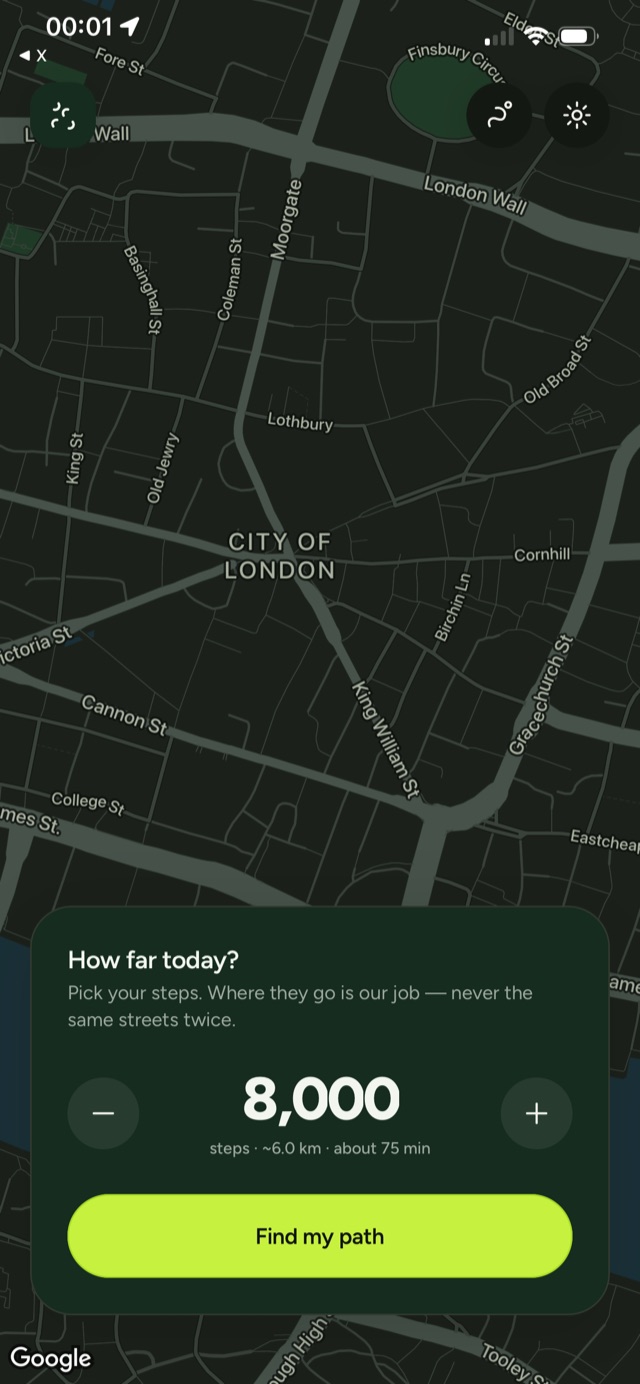
The Two Steps home screen over a dark map of London, asking how far today with a step goal of 8,000 and a Find my path button

Start with a number

A step count is the only thing the app asks for. It converts your stride into distance, samples the streets around where you are standing, and goes looking for a loop that fits.

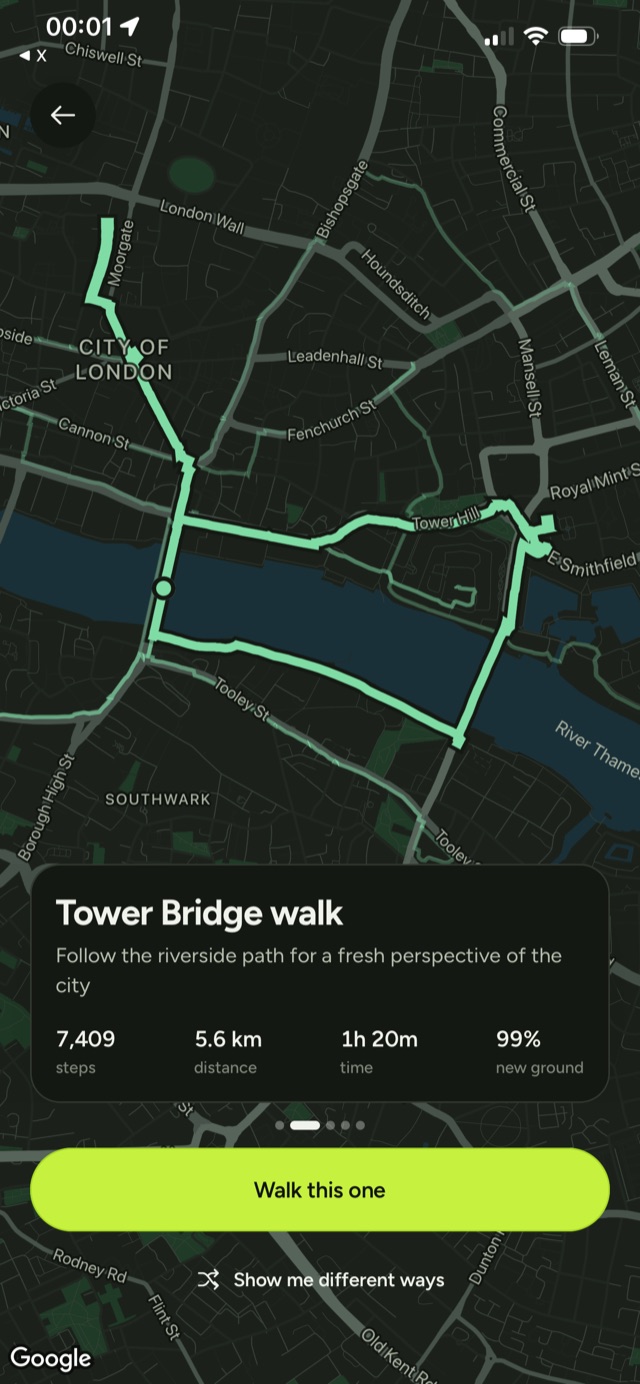
A suggested loop called Tower Bridge walk drawn in mint over the Thames, with steps, distance, time, and 99% new ground

Loops you have not walked

Every request returns up to three candidate loops, each scored against a record of every street you have ever covered and named for what it passes. The percentage tells you how much of the route is new ground.

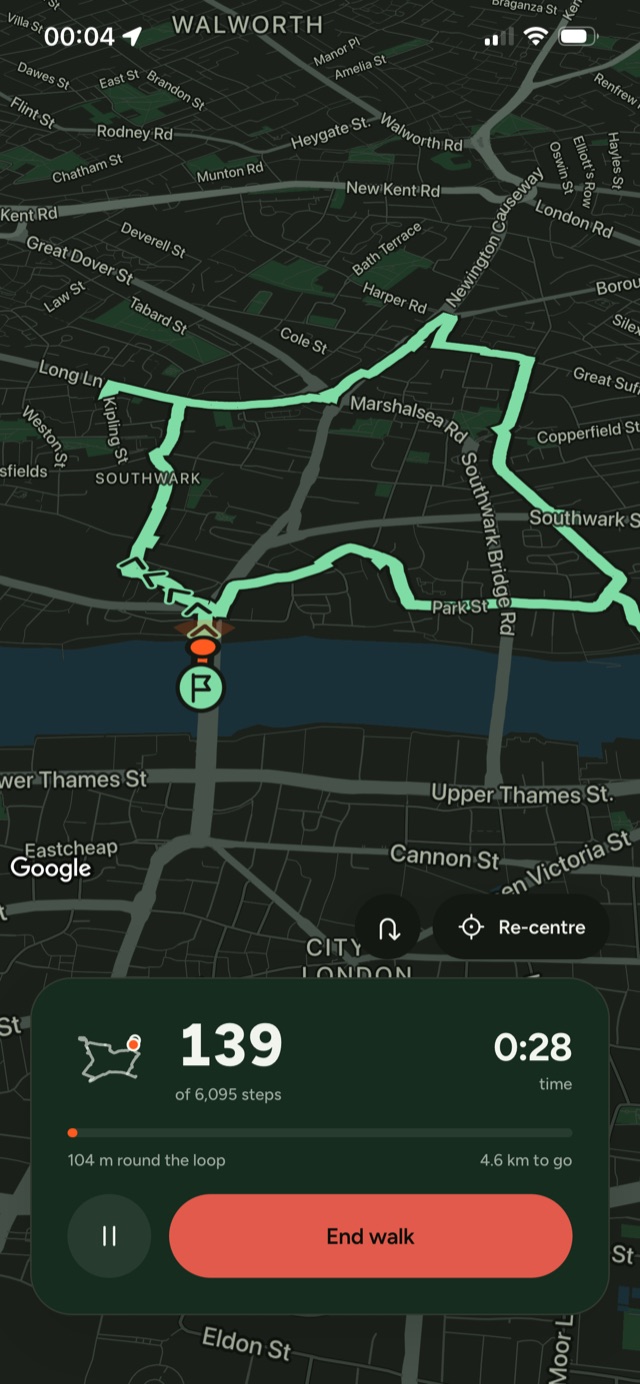
A walk in progress: the route lit ahead with arrows on the ground, a live step count, and an End walk button

A loop you can read mid-walk

Halfway round a circuit, forwards and backwards look the same on a flat map. So the camera turns with you, the road ahead stays lit while the ground you have covered dims, and arrows planted on the street point the way round.

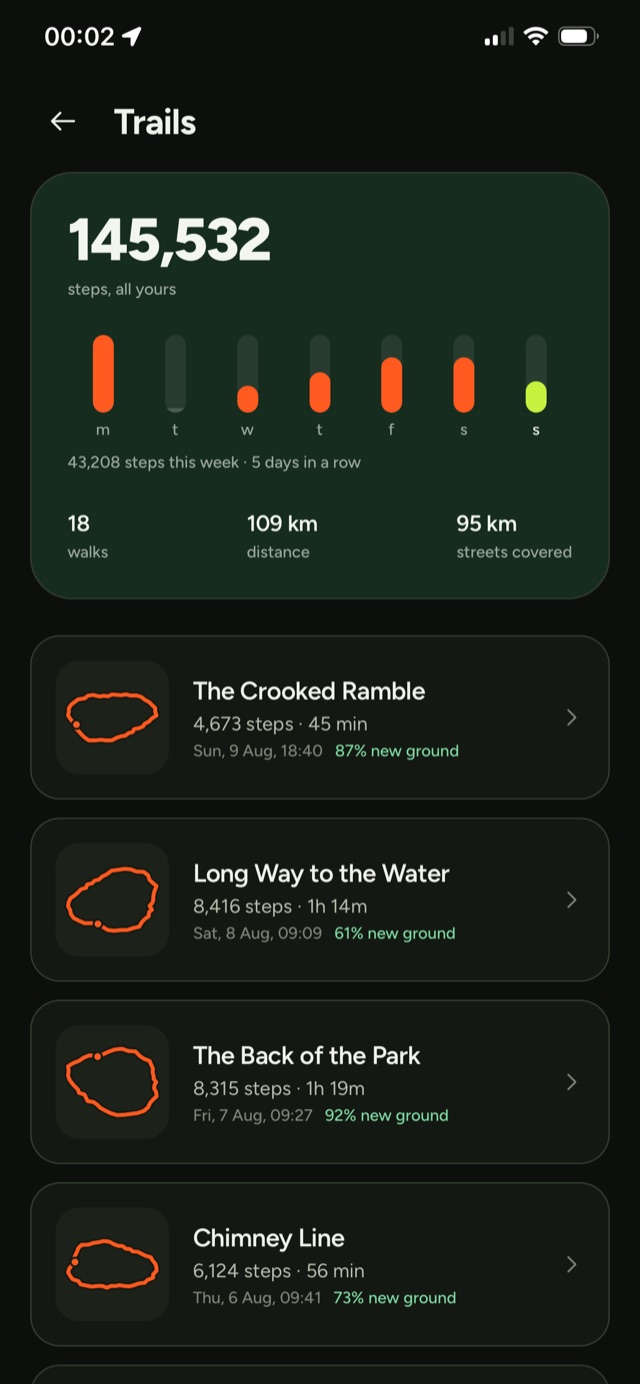
The Trails screen with a lifetime step total, a week of bars, and a list of named walks with how much new ground each covered

The record it plans against

Finished walks keep their names, their lines, and the share of new ground they covered. That history is what the next route is scored against, and any trail can be walked again from its own page.

The first loop takes about a minute to set up.

Download on the App StoreGet it on Google Play